DayPilot News

Monthly Summary for February 2018

February 27, 2018

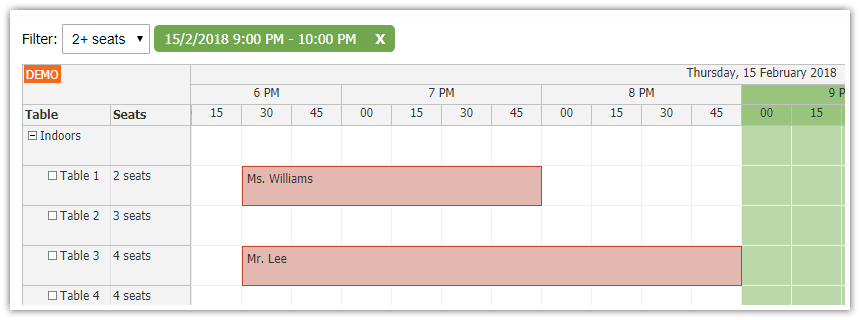
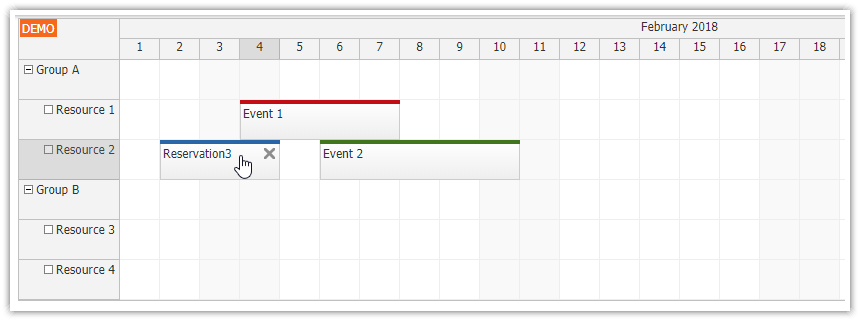
Since version 2018.1.3180, the JavaScript Scheduler component supports disabled cells feature. You can mark selected grid cells as disabled and prevent drag and drop operations for them.
https://doc.daypilot.org/scheduler/disabled-cells/
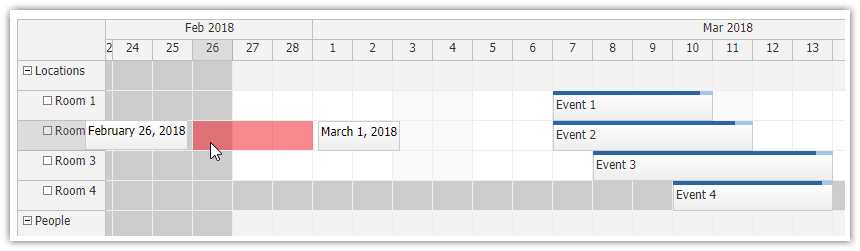
javascript-scheduler-grid-disabled-grid-cells.png
February 21, 2018

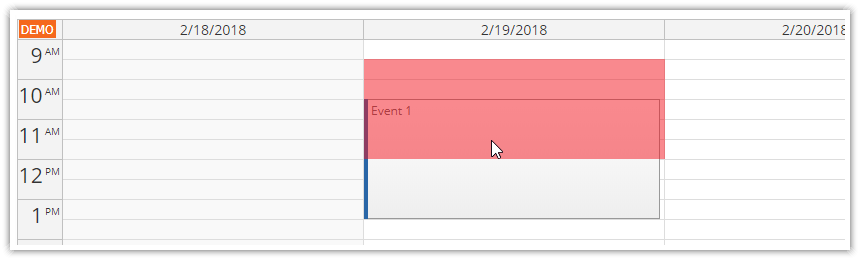
In version 2018.1.3178, the JavaScript Calendar component introduces appointment overlap protection for drag and drop operations (creating, moving, resizing). It can be enabled using allowEventOverlap = false. The feature can be configured in the Calendar UI Builder:
https://builder.daypilot.org/calendar

javascript-calendar-appointment-overlap-protection.png
February 20, 2018

Angular 5 Hotel Room Room Booking Tutorial (PHP/MySQL) was upgraded to Angular 5:
https://code.daypilot.org/32525/angular-hotel-room-booking-php-mysql

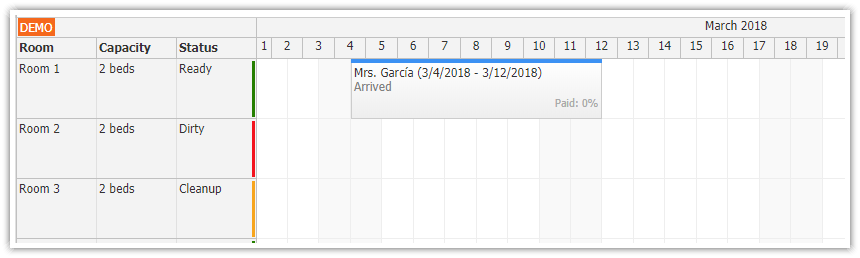
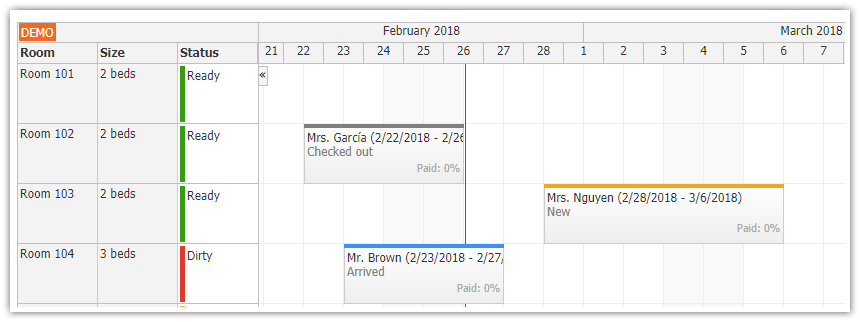
The tutorial uses Angular Scheduler component to manage hotel reservations. Integrated admin authentication, room management tools, indication of reservation status. With Angular 5 project source code for download.

angular-5-hotel-room-reservation-tutorial-php-mysql.png
February 15, 2018

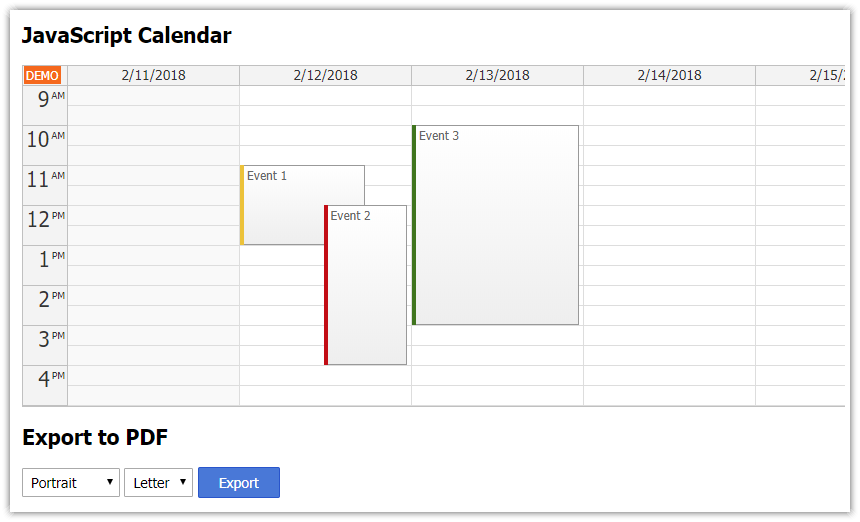
JavaScript Calendar: PDF Export Tutorial is now available:
https://code.daypilot.org/78431/javascript-calendar-pdf-export

How to export the current view of JavaScript Calendar (with appointments) to a PDF document. Supports Letter/A4 page format, portrait/landscape orientation. Doesn't require any server-side code.

javascript-calendar-pdf-export.png
February 6, 2018

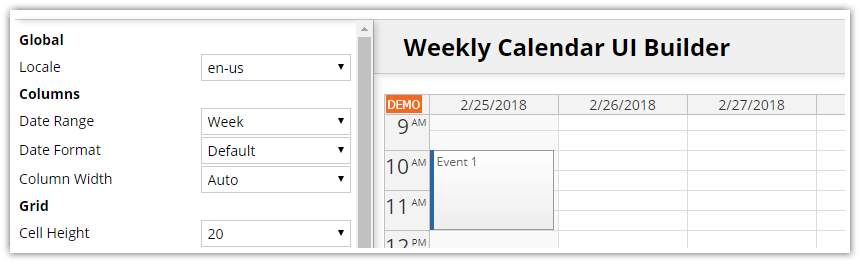
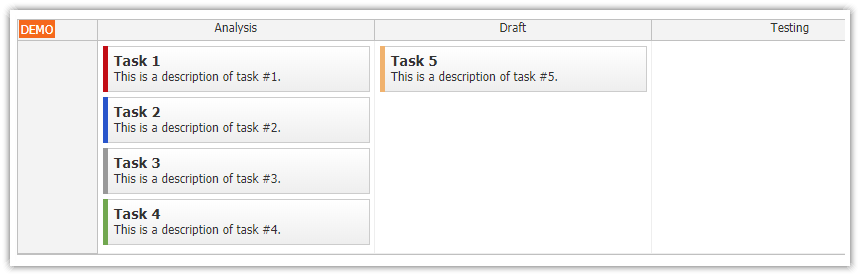
DayPilot UI Builder now supports live visual configuration of the monthly calendar component. The Builder generates HTML5/JavaScript, Angular 4, and Angular 5 projects. https://builder.daypilot.org/month

February 5, 2018

The Scheduler UI Builder now supports Vue.js project type. You can use the UI Builder configure the scheduler properties and test the behavior in a live preview. https://builder.daypilot.org/scheduler

February 4, 2018

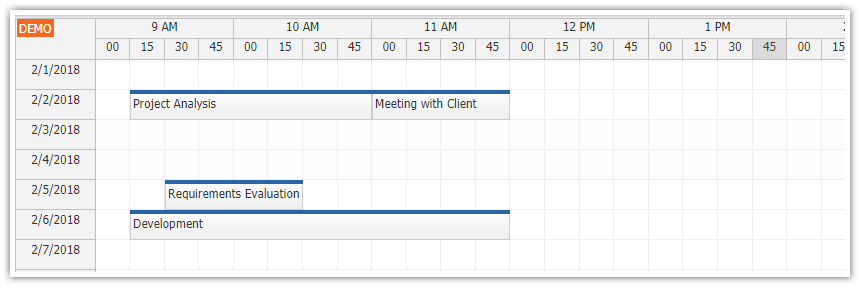
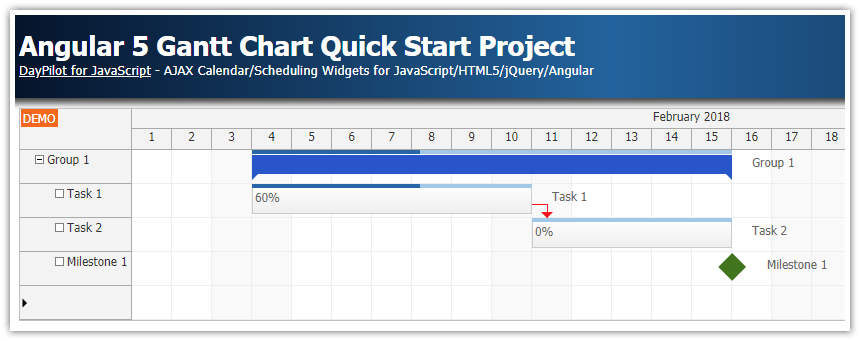
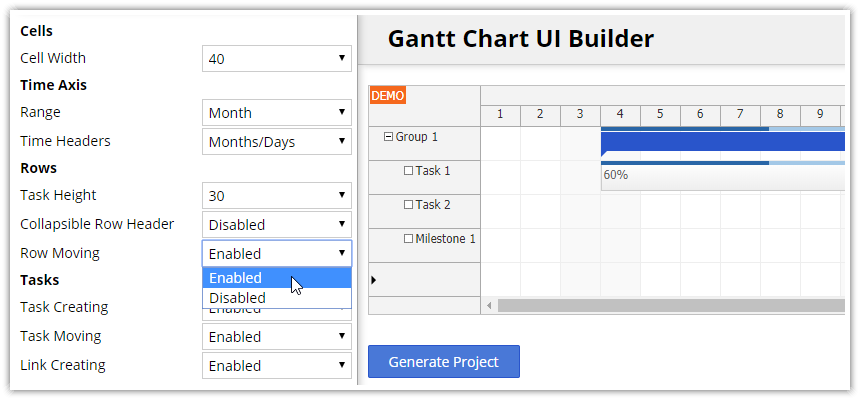
The DayPilot UI Builder configurator now supports Gantt chart component (https://builder.daypilot.org/gantt). You can use it to configure the Gantt chart appearance and behavior using a visual editor (with live preview). Download a ready-to-run project (HTML5/JavaScript, Angular 5, Angular 4) with all dependencies.

gantt-chart-component-ui-builder-configurator.png